Security cameras are one of the most widely deployed security tools across Singapore’s residential, commercial, and industrial properties, but many property owners and MCST council members still have only a basic understanding of how they work. Knowing why security cameras are important and how it works help property managers choose the right system, storage, and monitoring setup for their property.
This article breaks down the process from image capture to storage, and explains why some surveillance systems use Wi-Fi while others rely on wired connections.
1. Image Capture Through the Lens and Sensor
A security camera works by directing light through a lens onto an image sensor, which converts it into electronic signals and then into video.
The two main sensor types are Charge-Coupled Device (CCD) and Complementary Metal-Oxide Semiconductor (CMOS). However, CMOS is now more common because it uses less power and supports faster processing.
Lens and sensor quality matter most in dim areas where maintaining image clarity is more challenging. In exposed environments, factors such as lighting, weather, and distance all affect how outdoor cameras work from day to night.
2. Signal Processing and Video Compression
Once the sensor converts light into electronic signals, the camera’s chipset processes the raw data to enhance image quality through adjustments such as sharpening, white balance correction, backlight compensation, and noise reduction, determining how the footage is prepared for storage and transmission.
The footage is then compressed for storage and transmission. Most modern cameras use H.264 or H.265 compression to reduce file sizes without significantly affecting image quality, making continuous 24/7 recording more efficient.
AI-enabled security cameras go a step further at this stage. By applying video analytics during processing, they can detect specific events such as unusual movement, restricted-area breaches, or loitering before the footage is even transmitted, enabling faster alerting rather than passive after-the-fact review.
3. Footage Transmission
After processing, the footage must be sent to a recorder or storage system for live viewing and later access.
Wired Camera Systems
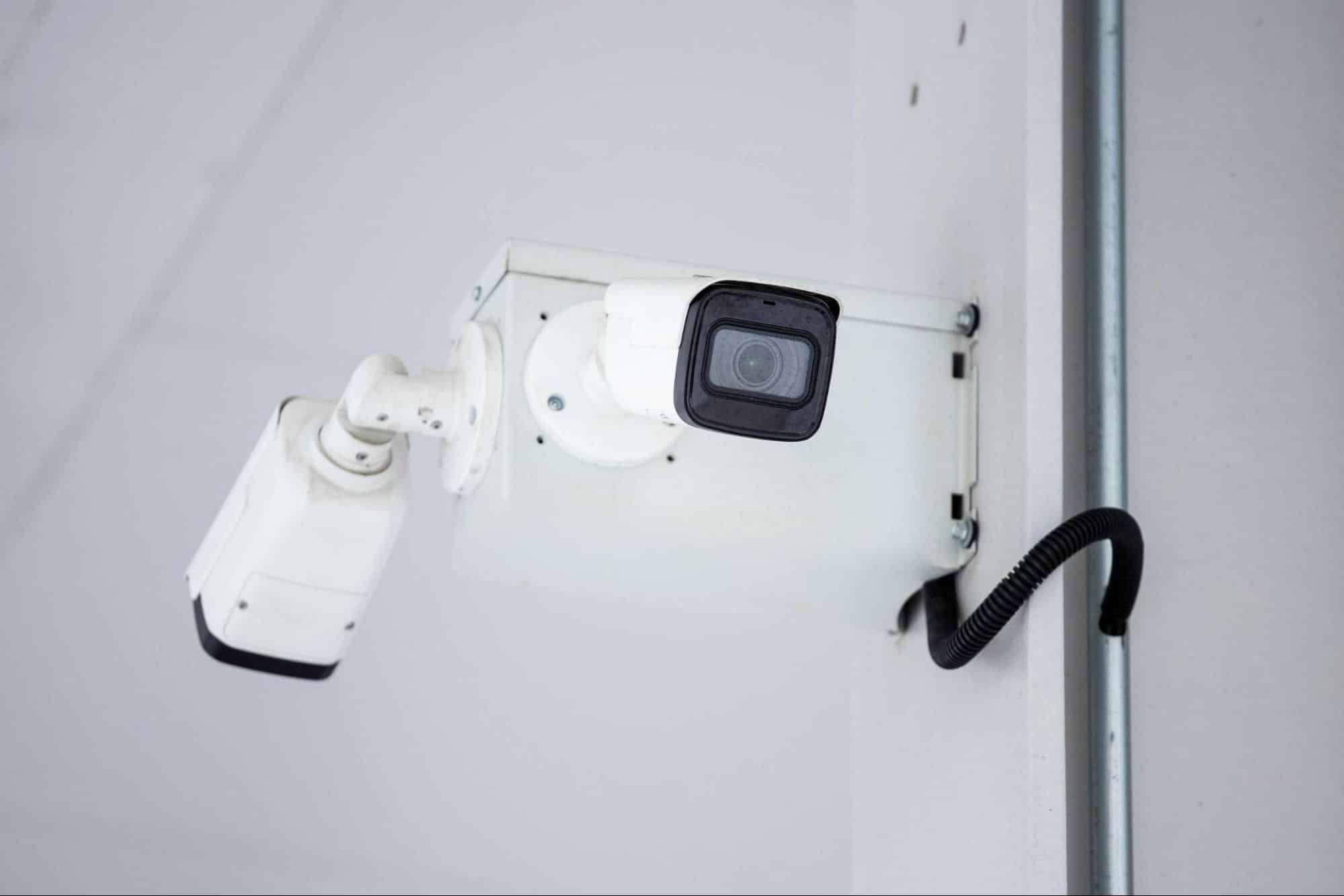
Wired camera systems transmit video signals through physical cables. Analogue cameras typically use coaxial cables connected to a DVR, while IP cameras use Ethernet cables connected to an NVR. Some IP cameras also use Power over Ethernet (PoE), allowing a single cable to carry both power and data, so the system can work with less cabling.
Because they offer stronger reliability and signal stability, wired systems are often preferred for high-security sites such as office buildings and data centres. In many commercial settings, hybrid setups are common, with wired IP cameras in high-priority areas and wireless cameras used for supplementary coverage.
Wireless and Wi-Fi Camera Systems
Wireless cameras do not rely on dedicated video cabling. Instead, they work by sending video data over Wi-Fi to a router, which then transmits the footage to a cloud server or local storage device. This helps explain how they offer greater placement flexibility.
They are useful in places where cabling is impractical. However, wireless systems may experience signal interference, higher latency, and, if battery-powered, additional maintenance costs, making them better suited for supplementary coverage in higher-security environments.
4. Storage of Footage
Once recorded, footage must be stored for live viewing and later review. Most systems use one or more of three methods.
- Local SD card storage saves footage on the camera’s memory card. It suits standalone or single-camera setups but offers limited capacity and may be lost if the camera is damaged, stolen, or tampered with.
- DVR or NVR hard drive storage sends footage to a central recorder, supporting continuous multi-camera recording with greater capacity. NVR systems also support higher-resolution footage and remote access.
- Cloud storage sends footage to a remote server for secure off-site access. Off-site storage reduces the risk of loss due to on-site tampering or hardware failure and enables monitoring from a centralised command centre.
In practice, professional systems in Singapore often combine local and cloud storage to balance fast access with secure backup.
Key Features of Modern Security Cameras
Modern security cameras do more than record footage. Key features include:
- Motion detection via Passive Infrared (PIR) sensors: Detects heat-based movement and triggers recording or alerts only when activity is detected, reducing unnecessary storage use. As a result, some cameras record only when triggered, while others can be set for continuous 24/7 recording.
- Infrared night vision: Uses built-in infrared LEDs to capture clear footage in low-light or no-light conditions.
- Two-way audio: Lets operators listen and speak through the camera for real-time instruction or verbal deterrence.
- AI-powered video analytics: Identifies events such as unauthorised access, perimeter breaches, or loitering and sends instant alerts for faster response, making it a key feature in today’s AI security systems.
Strengthen Your Surveillance with Active Monitoring
Without active monitoring, security cameras mainly record what has already happened rather than work as a proactive security measure.
For property managers and MCSTs, the key question is not only which cameras are installed but how those cameras are monitored in real time by trained professionals. Shine Security’s remote CCTV monitoring service combines AI-powered analytics with a 24/7 command centre solution to deliver more proactive protection.
Contact Shine Security to explore a professionally monitored surveillance solution tailored to your property.